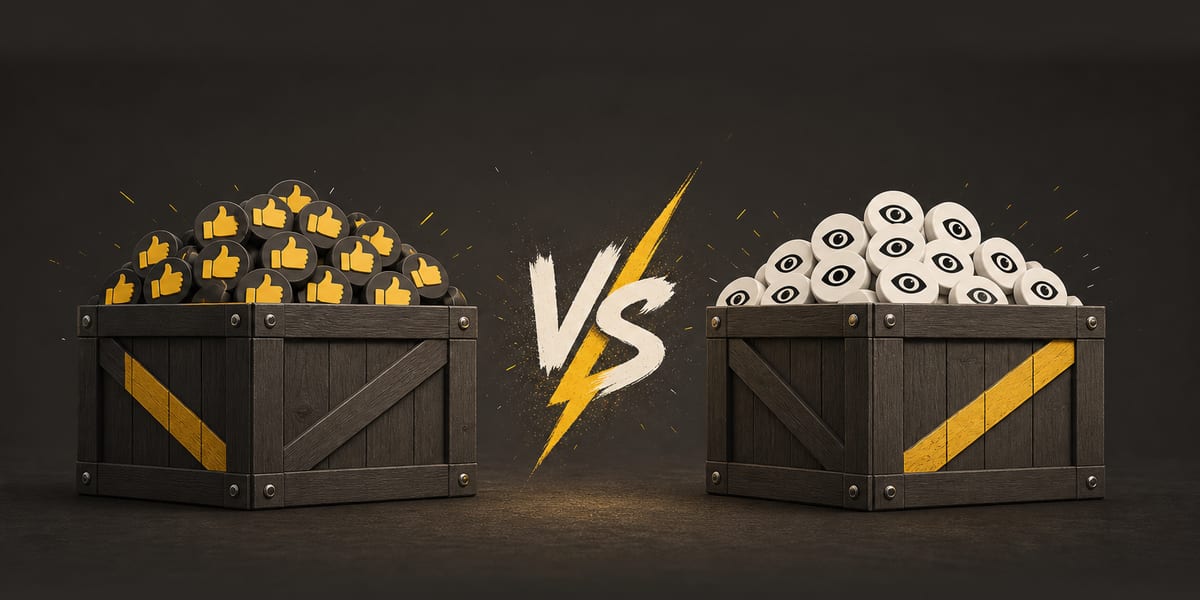
An Instagram Reel displays a view count and a like count. A views package adds to one metric; a likes package adds to the other. The right choice depends on which number you want to change.
What an Instagram views package delivers
Choose views when you want to add a selected number of views to a specific Reel. The package covers the view quantity you order. It does not guarantee broader organic reach, clicks, replies, sales or new followers.
What an Instagram likes package delivers
Choose likes when you want to add a selected number of likes to a specific Reel. The package covers the like quantity you order. It does not guarantee comments, shares, sales or new followers.
There is no required ratio
Choose the service for the count you want to increase, not a formula your account has to match.
There is no single ratio of likes to views that every account or Reel needs to match. Choose the service and quantity that fit your own plan and budget.
Choosing a quantity
Start with the number already shown on the Reel, then decide how much you want to add. Views and likes are selected independently, so choosing one never requires you to buy the other. If you are unsure, begin with the metric that matters most to your plan. Each service has its own quantity choices in the builder.
When to order both
If you want to add to both displayed counts, order views and likes as two line items for the same Reel. In the builder, select the account that owns the Reel, choose the same Reel for each service, and add both items to your cart. They still go through one checkout and one charge.
- Add to the displayed view count: order Instagram views.
- Add to the displayed like count: order Instagram likes.
- Add to both metrics: put both services for the same Reel in one cart.
Each line item is tracked separately on your order page. Most orders start within minutes, and some finish just as quickly. Completion time depends on the order size, and occasional delays can occur. If you decide to add the other service later, there is no minimum order.